
Learn how modern construction teams actually run a project.
Available now
Published lessons
10 lessons are live. Each one includes a full written guide anyone can read, plus a recorded lesson for ConstructVue customers.
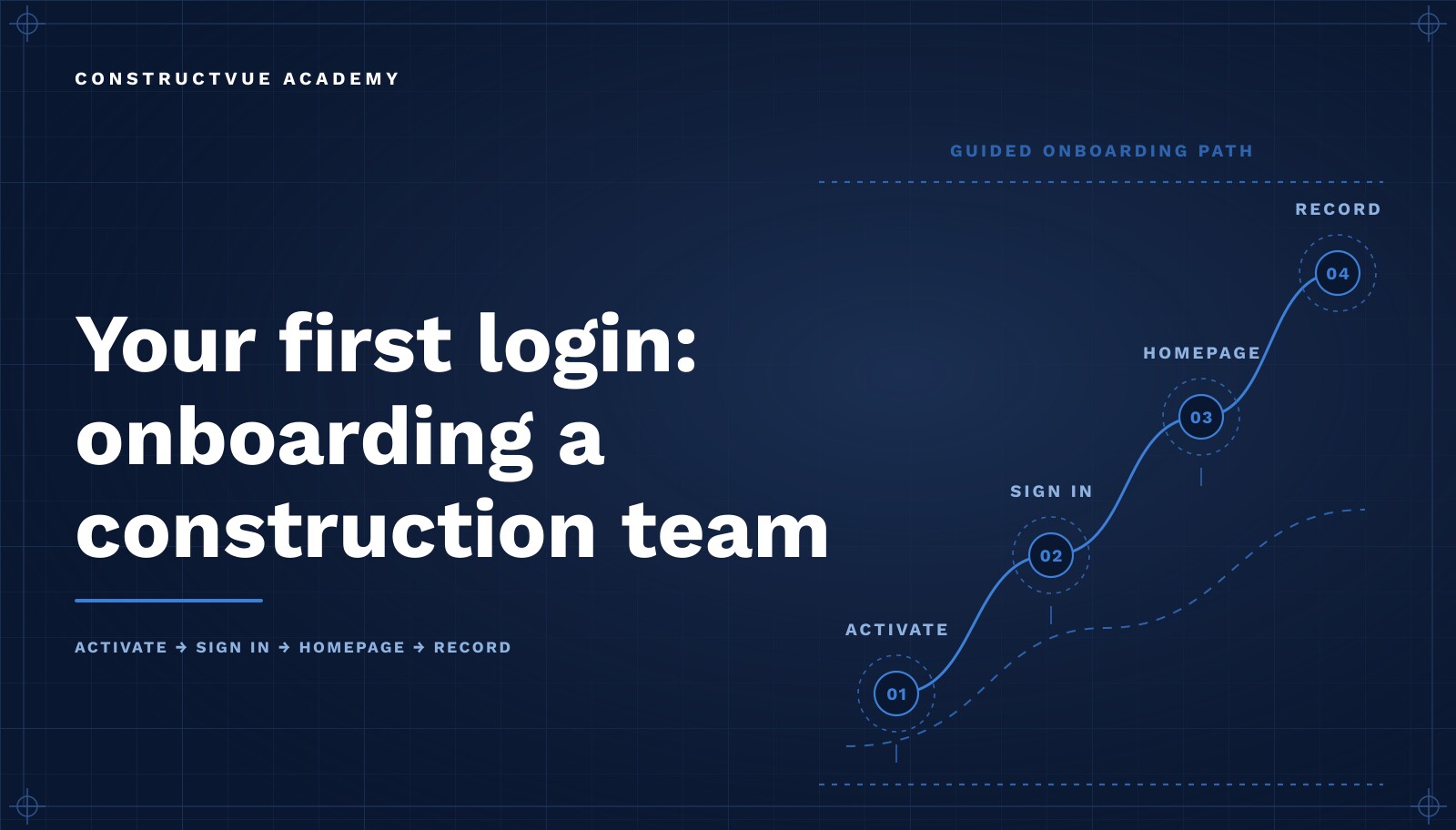
Your first login: onboarding a construction team onto a new platform
What the first week of construction software adoption should look like — activation, ownership, data readiness, and the habits that decide whether a rollout sticks.
Read the guide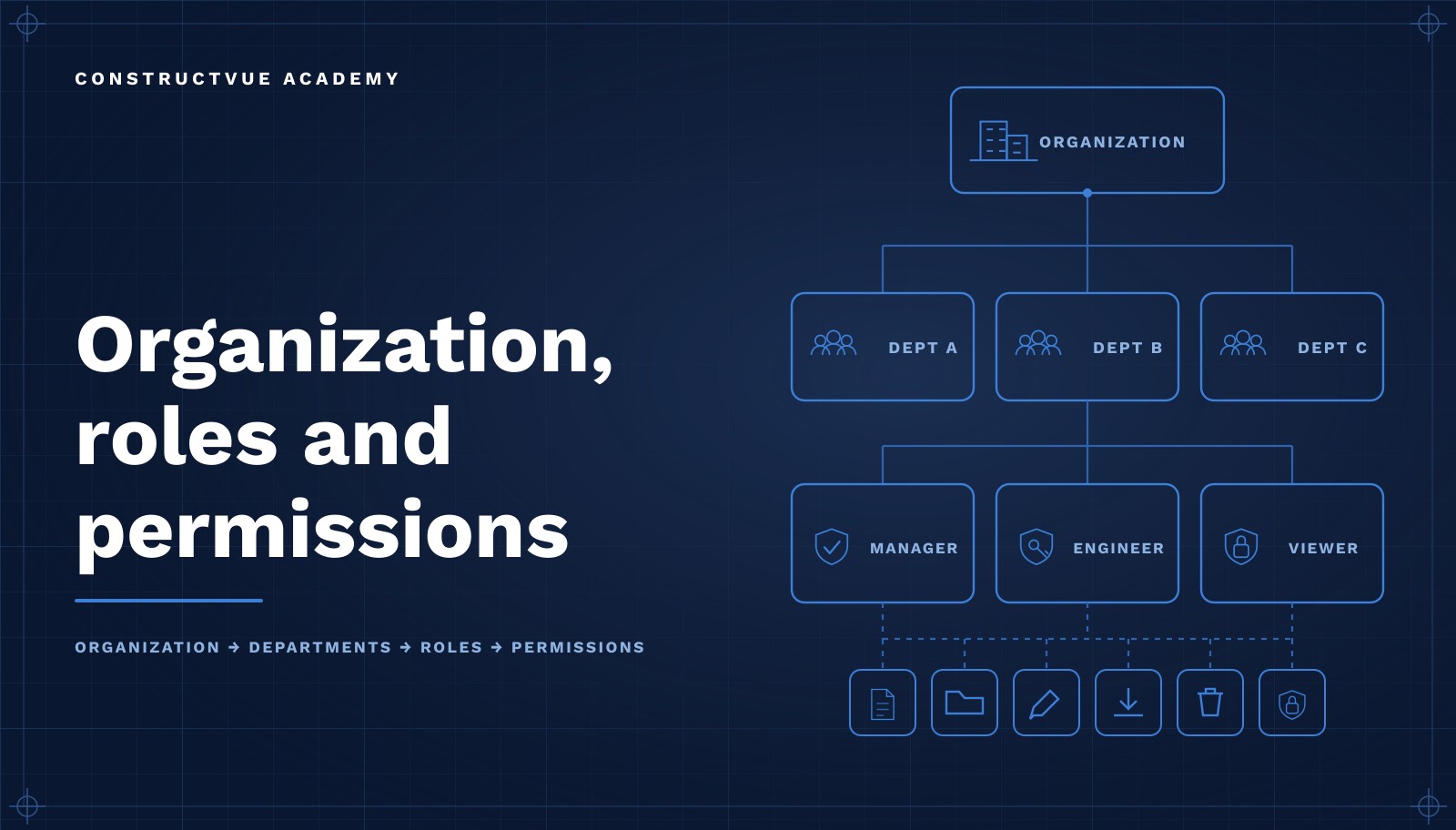
How to set up your construction company's organization, roles and permissions
How commercial contractors structure an organization in construction software — workspaces, least-privilege roles, invitation policy, standards, and auditability.
Read the guide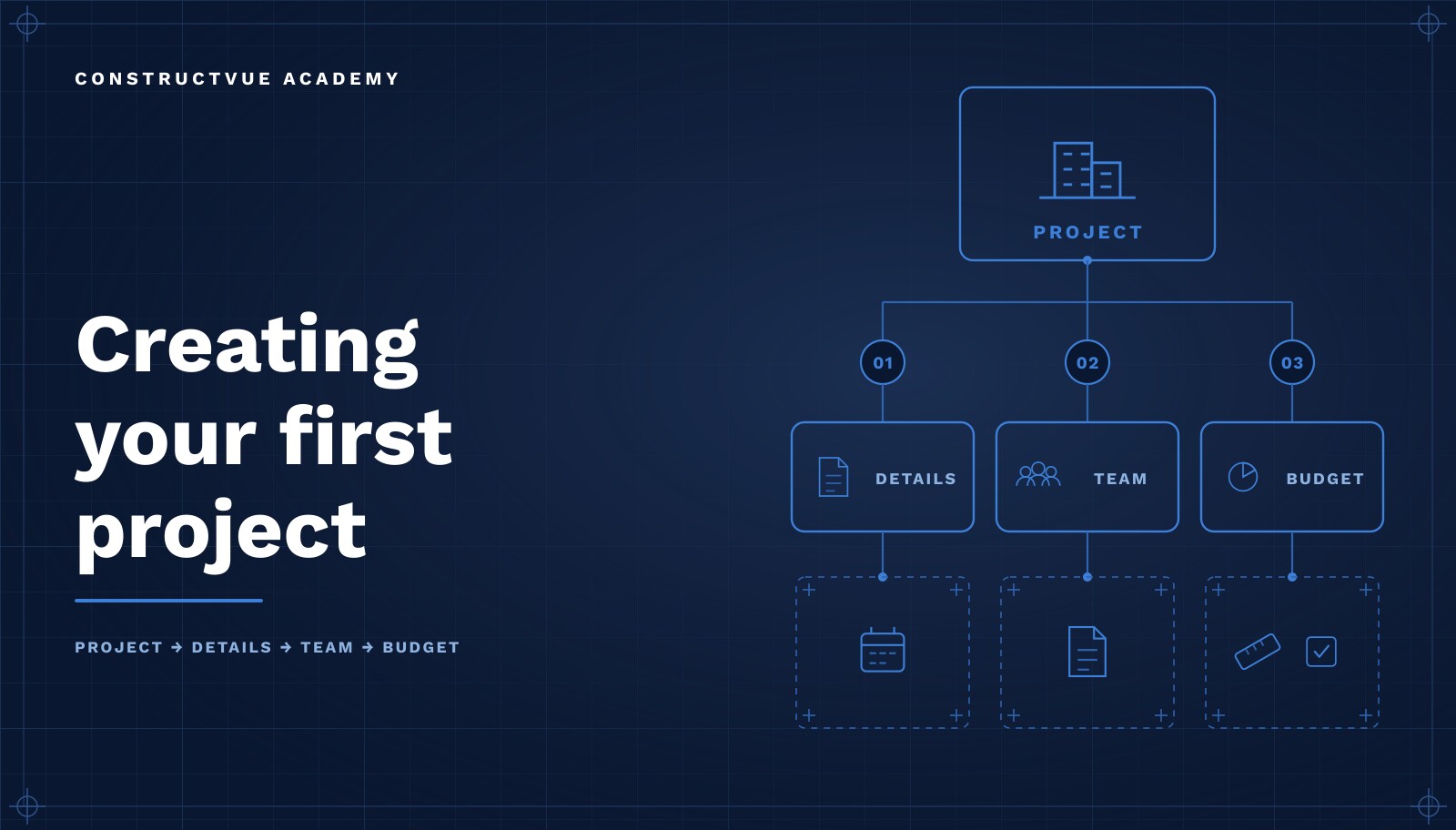
How to set up a new construction project: naming, templates, team and budget
How to create a construction project record that the next eighteen months can rely on — naming and numbering, templates, delivery method, the project team, and a budget baseline that becomes the reference point for every commitment.
Read the guide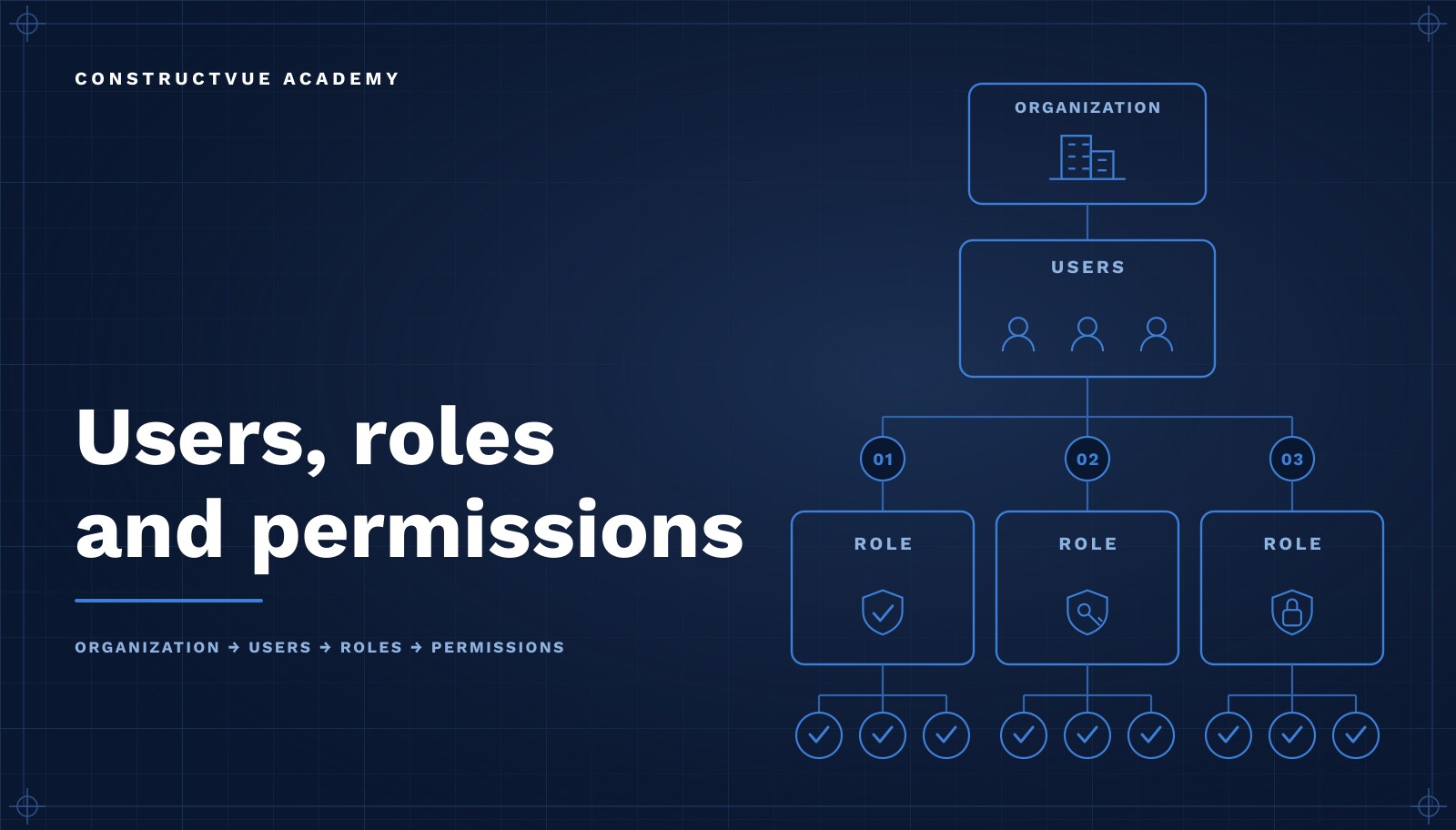
How to set up user roles and permissions for a construction team
Managing who has access and what they can do — invitation-only onboarding, the user lifecycle from invited to disabled, least-privilege role design, separation of duties, and an audit trail for every permission change.
Read the guide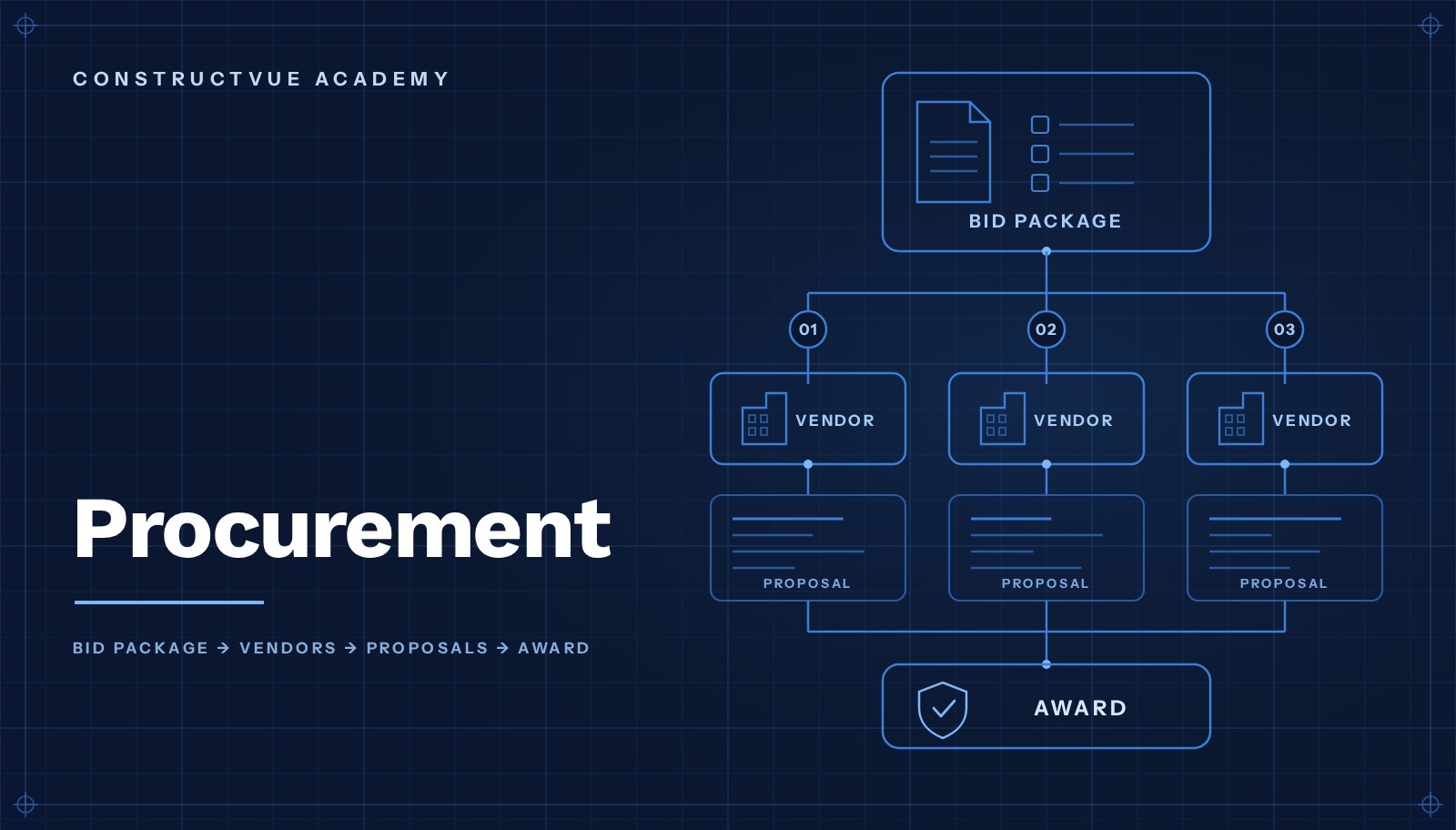
The construction procurement process: bid packages, vendors and award
Procurement is where scope, vendors and money first meet — how to define a bid package, qualify and invite subcontractors, compare proposals line for line, and award so the commitment, contract, schedule of values and budget all follow from the same record.
Read the guide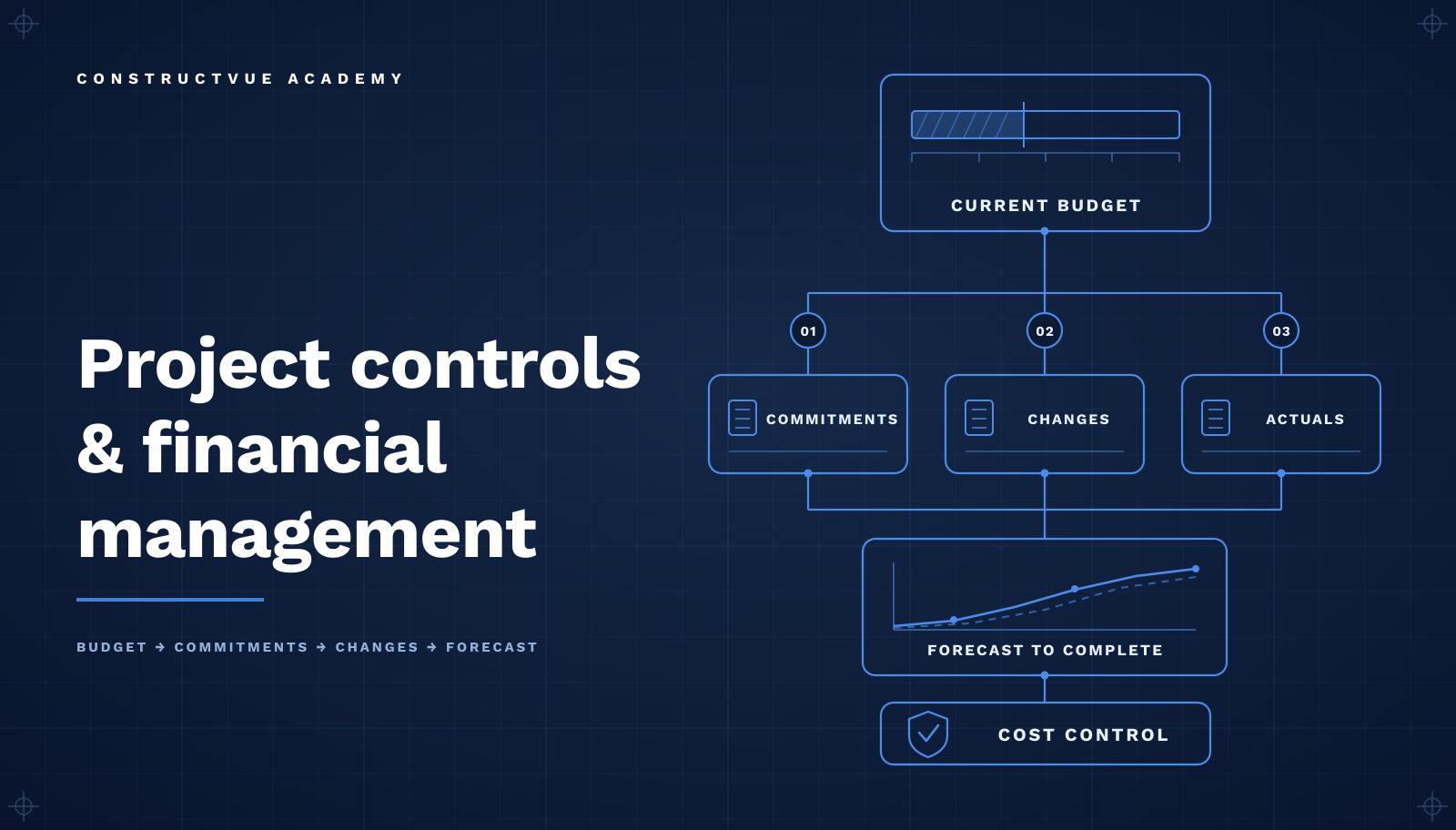
How construction teams run project controls and financial management
Where budget, commitments, change and forecast meet — a cost-code budget every line owns, commitments created from executed contracts, change priced and approved before it moves a number, and a forecast that shows how the outlook moved over time.
Read the guide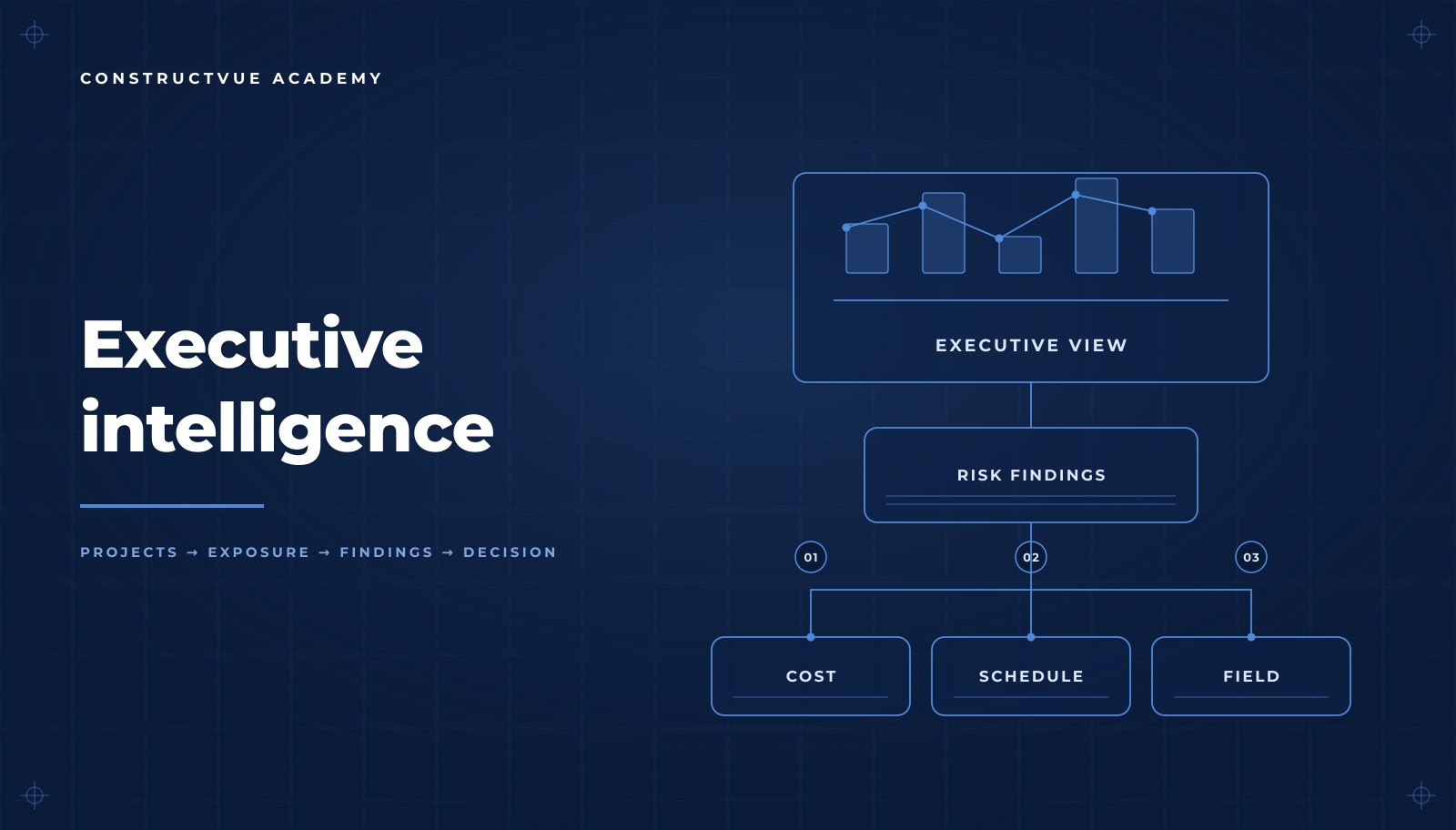
How construction executives read performance across projects
The executive view adds no new data — it reads the records teams already maintain. Consistent portfolio measures, rule-based risk findings, and an operational feed that explains why a number moved.
Read the guide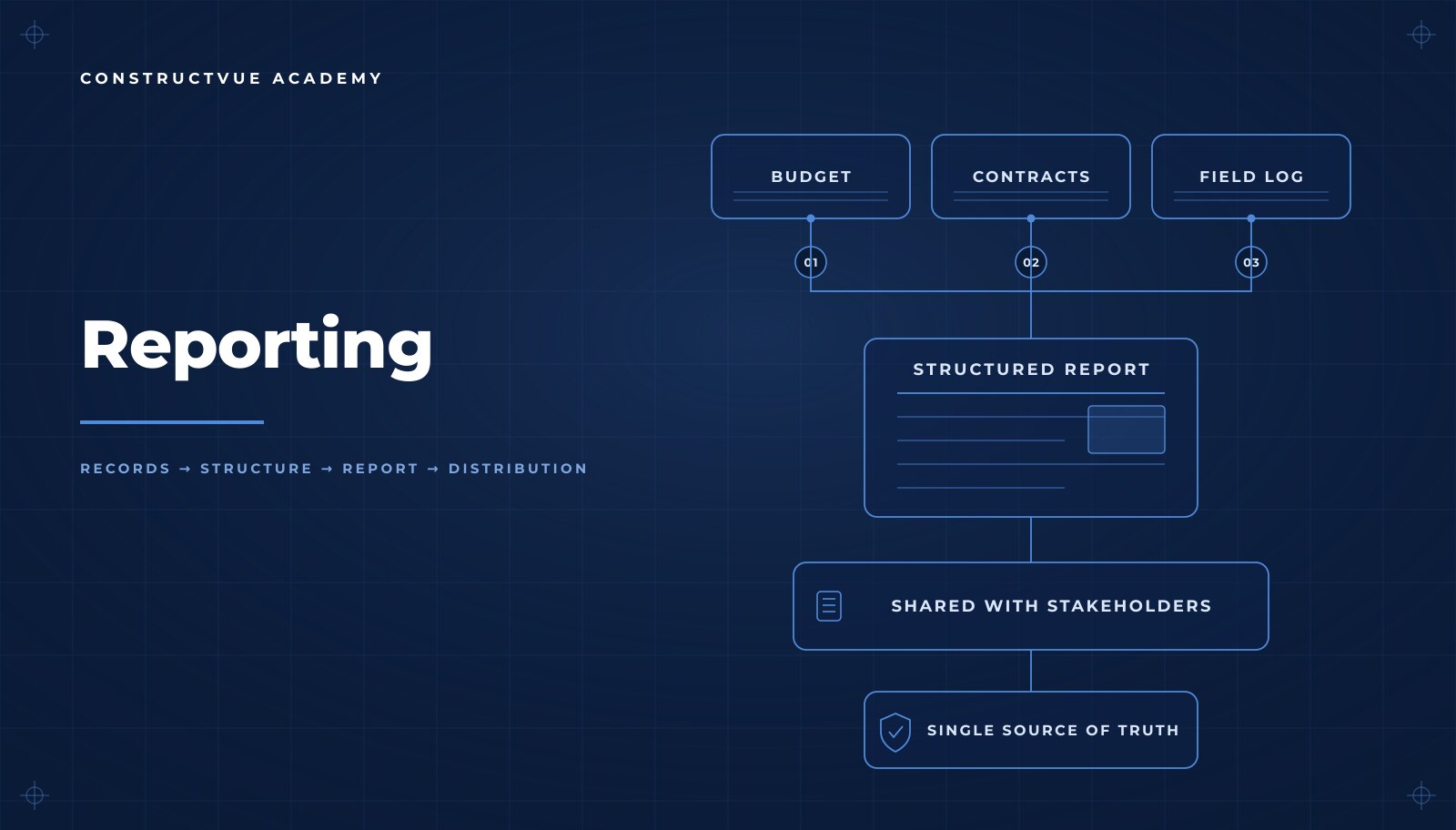
Construction reporting: one record, one set of numbers
Reporting that is generated, not assembled — a weekly project summary drawn straight from the live record, how to read trends honestly, and how to share the same numbers with lenders, owners and the project team.
Read the guide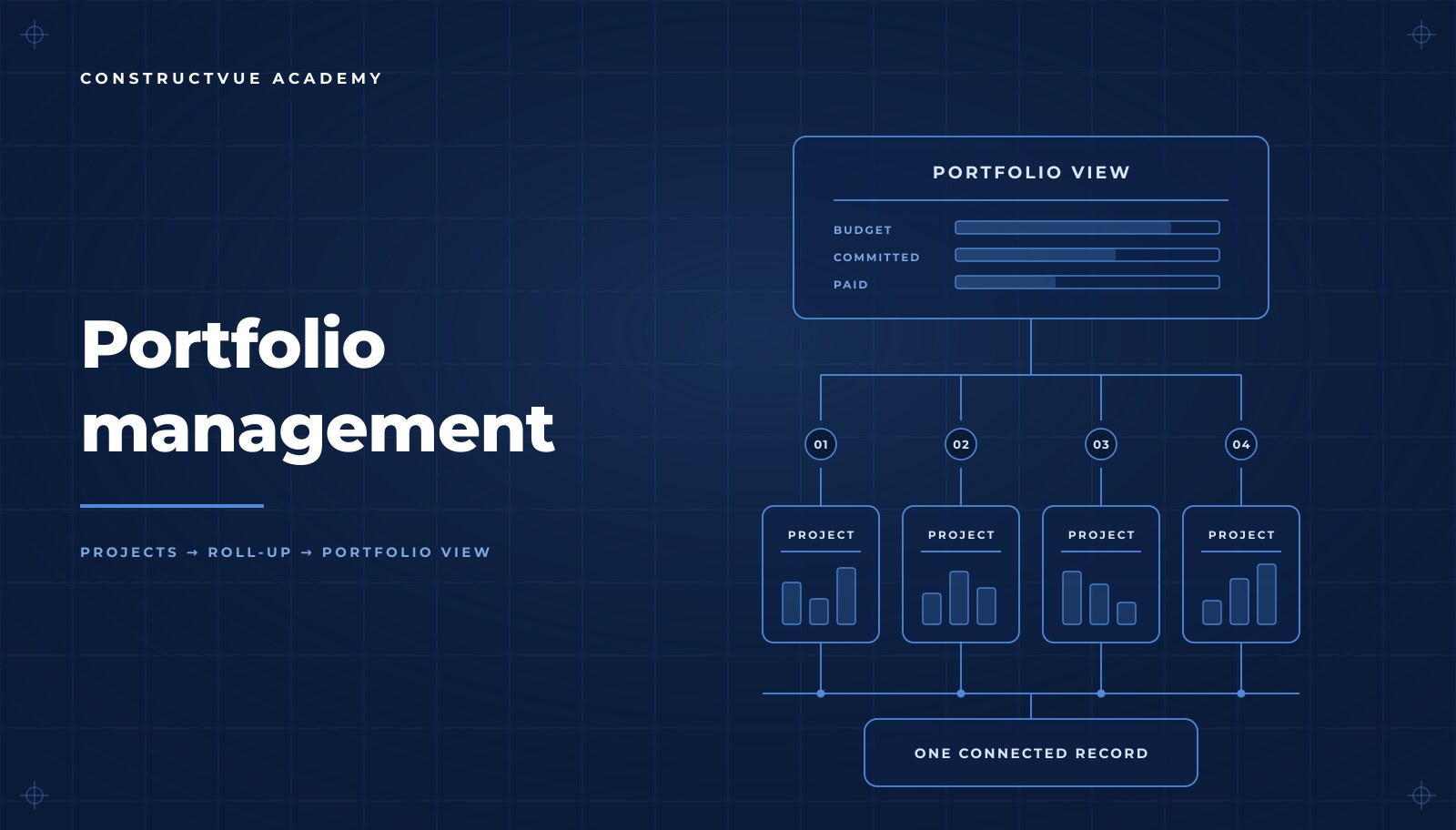
Managing a construction portfolio: structure, monitoring and review
Running more than one project at a time — consistent structure so projects stay comparable, monitoring that surfaces exposure early, and an executive review cadence built on the same records the teams maintain.
Read the guide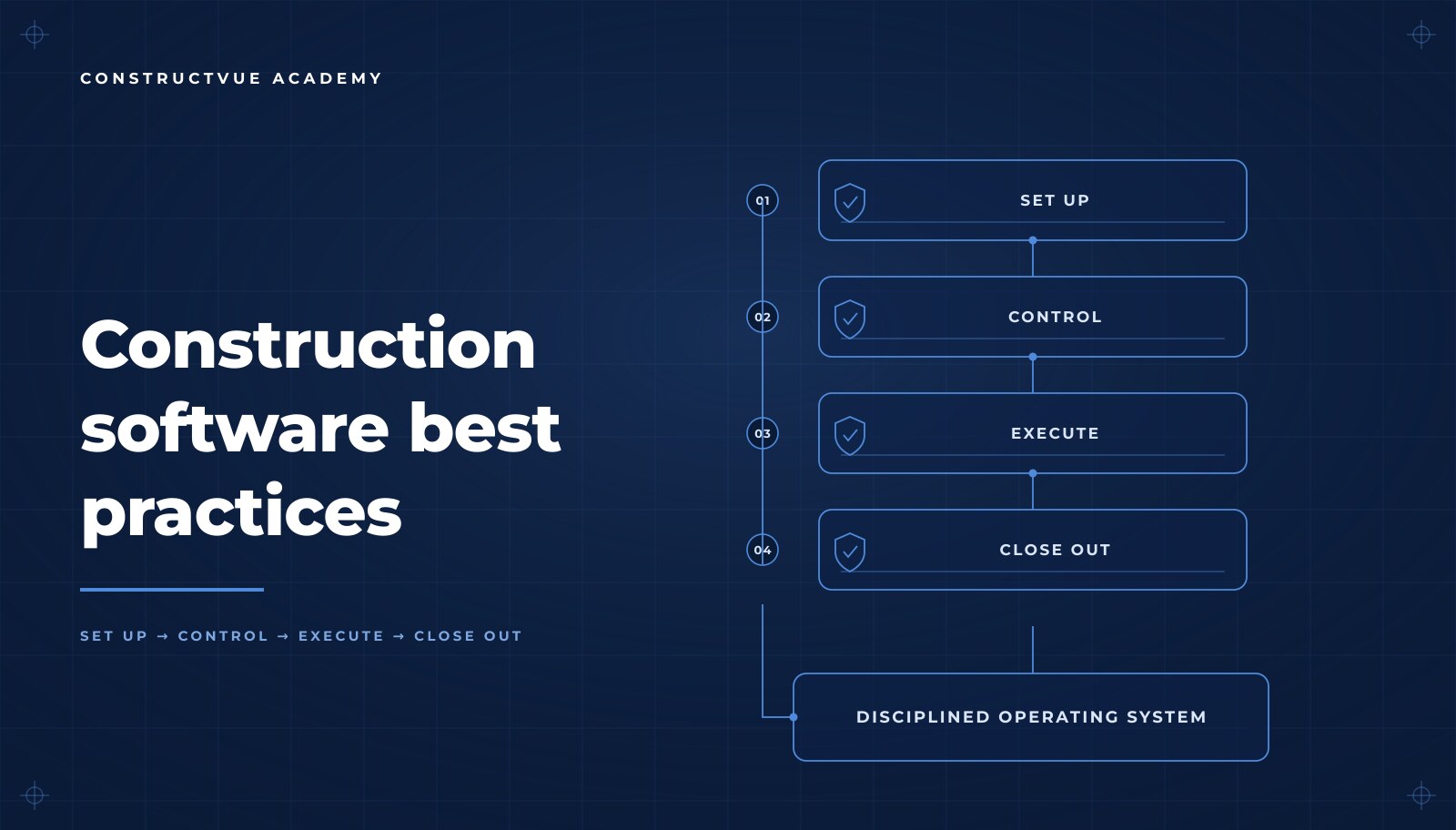
Construction software best practices: standards, accountability and discipline
What separates a system that holds from one that drifts — standardization, clear accountability, operational discipline, and a way to keep the team learning as the platform grows.
Read the guideCurriculum
How the Academy is organized
Lessons are grouped by the phases of a commercial project, so a new team member can follow the same order the work happens in.
Getting Started
Activation, first login, and how a connected construction record changes day-one behavior.
Organization Setup
Workspaces, role design, least-privilege permissions, invitations, and workflow standards.
Project Setup
Project structure, work breakdown, teams, and the baseline every project needs.
Preconstruction
Bid packages, vendor invitations, proposal intake, scope leveling, and award.
Project Controls
Budgets, commitments, change management, schedule linkage, and forecasting.
Field Operations
Daily reports, RFIs, submittals, inspections, and issue resolution in the field.
In productionFinancial Management
Pay applications, draws, cost-to-complete, and the financial event ledger.
In productionReporting & Closeout
Executive reporting, portfolio visibility, punch list, and closeout packages.
Already a ConstructVue customer?
Recorded lessons live inside your account. Sign in to watch the current series, or talk to our team about getting your organization set up.