
ConstructVue Academy · Lesson 1
Your first login: onboarding a construction team onto a new platform
What the first week of construction software adoption should look like — activation, ownership, data readiness, and the habits that decide whether a rollout sticks.
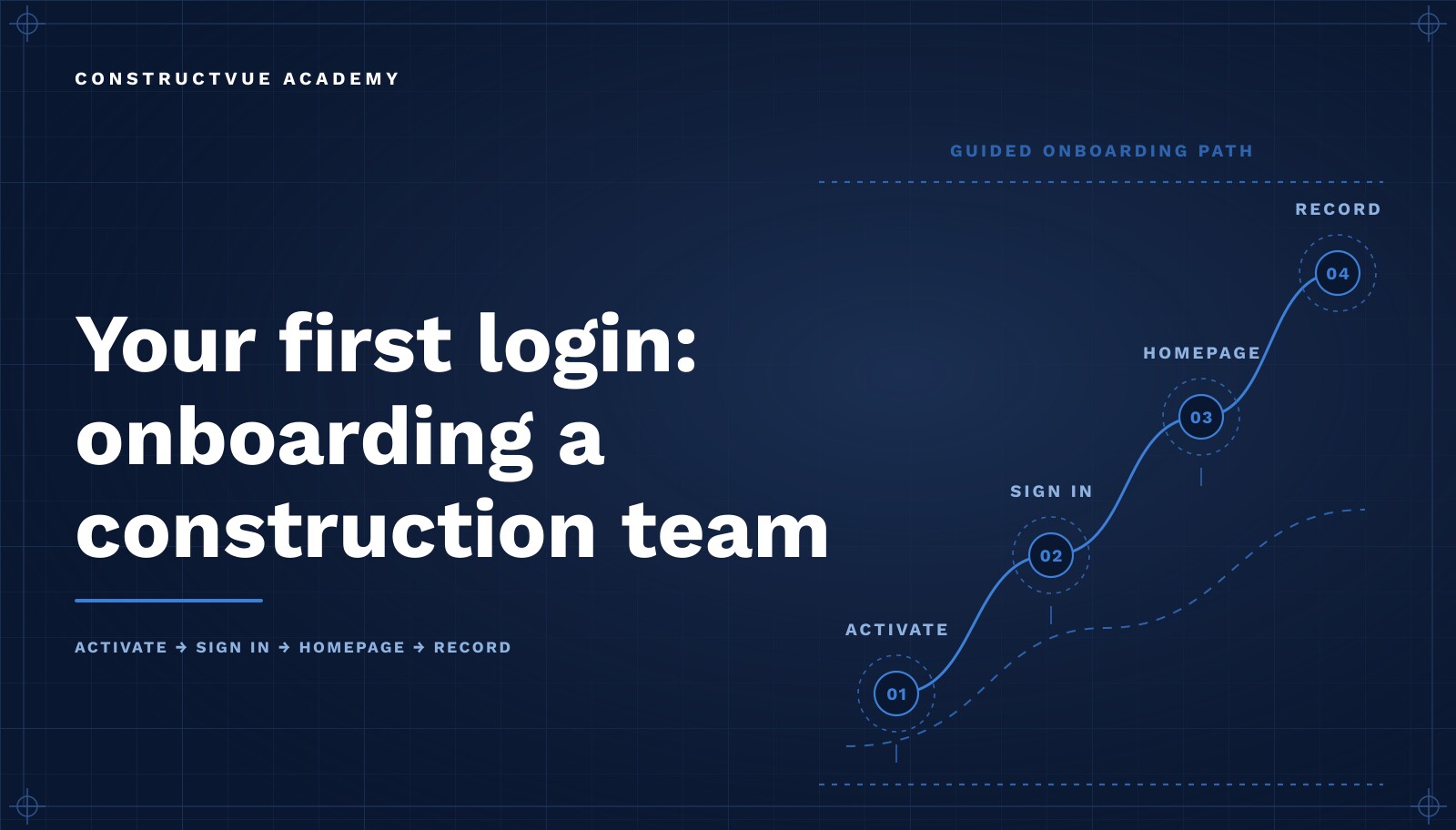
The first login is the most underestimated moment in a construction software rollout. Contractors spend months selecting a platform and then treat day one as an IT event — accounts get created, a link gets emailed, and everyone is told to "go look around." Two weeks later the project is still being run out of email, and the platform is blamed for something that was actually a rollout design problem.
This lesson covers what the first week should look like for a commercial contractor adopting a connected project platform: who owns the rollout, what has to be true before anyone logs in, what the first session should accomplish, and the behaviors that decide whether the system becomes the record of the project or just another place to duplicate work.
Learning objectives
- Define what a successful first week of adoption actually produces.
- Prepare the minimum data set that makes a first login meaningful.
- Assign ownership for each record type before users arrive.
- Sequence the rollout so one project proves the model before the portfolio follows.
- Recognize the early signals that a team is drifting back to email and spreadsheets.
What actually changes on day one
Traditional construction workflows distribute the project record across many systems: scope lives in proposals, cost lives in accounting, schedule lives in a scheduling tool, and the field lives in text messages. Each of those is internally consistent and mutually contradictory. Most disputes on a commercial job are not disagreements about facts; they are disagreements about which copy of the facts is authoritative.
A connected platform changes one thing on day one: it establishes a single record that carries scope, commitment, cost, schedule, and field activity as linked facts rather than separate documents. That is why onboarding is not a software tutorial. It is the moment a company decides where the truth lives.
Prepare before anyone logs in
An empty system teaches nothing. Before the first login, load enough real data that a project manager opening the platform recognizes their own job.
The minimum viable data set
- Company profile and legal entity details used on contracts and correspondence.
- One active project with its contract value, key dates, and delivery method.
- The current budget structure — cost codes or divisions the team already uses.
- The subcontractor and vendor list for that project, with contacts.
- Any executed commitments, so committed cost is not zero on the first screen.
Skip historical backfill. Importing five years of closed jobs delays the rollout and produces no adoption. One live project with accurate numbers beats a complete archive nobody trusts.
Assign ownership before you assign logins
Every record type needs a named owner: who creates it, who reviews it, and who can approve it. If that is ambiguous, users will hesitate, and hesitation is how a rollout dies. Write it down for RFIs, submittals, change orders, daily reports, commitments, and pay applications before the invitations go out. Access design follows the same logic and is covered in the organization, roles and permissions lesson.
What the first session should accomplish
The goal of the first session is not coverage — it is one completed loop. Have each user create or advance a single real record end to end: a daily report submitted, an RFI issued, a commitment reviewed. A finished loop on live data produces more confidence than a two-hour feature tour, because the user learns that the system accepted their work and that someone downstream saw it.
- Each attendee completes one real transaction on a live project.
- Each attendee can state who receives their work next.
- Each attendee knows where to find the current cost position for their project.
- Nothing produced in the session has to be re-entered elsewhere afterward.
Sequence the first week
- Day 1 — activation, project orientation, one completed record per user.
- Day 2 — field cadence: daily reports and photos submitted from the job, every day.
- Day 3 — commercial cadence: commitments, change requests, and cost review.
- Day 4 — office cadence: RFIs, submittals, and document flow.
- Day 5 — a real project review run entirely from the platform, with no side deck.
The Friday review is the important one. When leadership runs the meeting from the system instead of a slide deck, adoption stops being optional and becomes the shortest path to looking prepared.
Common onboarding mistakes
Rolling out to everyone at once
Company-wide launches spread support thin and give every skeptic a peer to agree with. One project, done completely, creates the internal proof case.
Training on an empty environment
Demo data teaches the interface but not the job. People remember workflows attached to projects they actually manage.
Leaving the old channel official
If an approval by email still counts, email wins. Retire the parallel path explicitly and on a stated date.
Granting everyone administrative access
Broad access feels helpful during a rollout and becomes an audit problem within a quarter. Start least-privilege; see how we approach platform security.
Measuring logins instead of records
Logins measure curiosity. Submitted daily reports, issued RFIs, and processed change orders measure adoption.
Frequently asked questions
How long should construction software onboarding take?
For a single project team, expect one week to reach working competence and about a month to reach habit. The limiting factor is rarely the software — it is deciding who owns each record type and getting live project data into the system so people have a reason to open it.
Should we roll out to the whole company at once?
Almost never. Start with one active project that has a motivated project manager and real cost activity. A single project that runs entirely in the platform produces a template, an internal advocate, and a credible answer to 'does this actually work here?'
Who should be the first users?
The project manager and project engineer who touch the record most often, plus one accounting or contract administrator. Executives should be added early as read-only observers so reporting expectations form around real data instead of spreadsheets.
What data do we need before the first login?
At minimum: the company profile, the project list with contract values, the active subcontractor list, and the current budget structure. Without those, the first login shows an empty system and the team concludes there is nothing to use.
How do we keep people from falling back to email and spreadsheets?
Remove the parallel path. If approvals, RFIs, and pay applications are only valid inside the platform, the fallback disappears. Rollouts fail when the old channel stays official.
Keep going
For a wider view of how the phases connect once a team is live, see the ConstructVue platform overview or how general contractors run the model in the GC solution guide.
Lesson chapters
- 0:04Welcome to ConstructVue
- 0:22Activating your account
- 0:58Your homepage
- 1:40Understanding the connected record
- 2:14Next steps